See It

What a folio actually looks like.

Eight views from a real folio — the library, the editors, the timeline, the connections network. This is what nine years of thinking about human memory produces.

RAGMI // iOS Player
RAGMI app view
Episodic Memories Active
01

The media library.

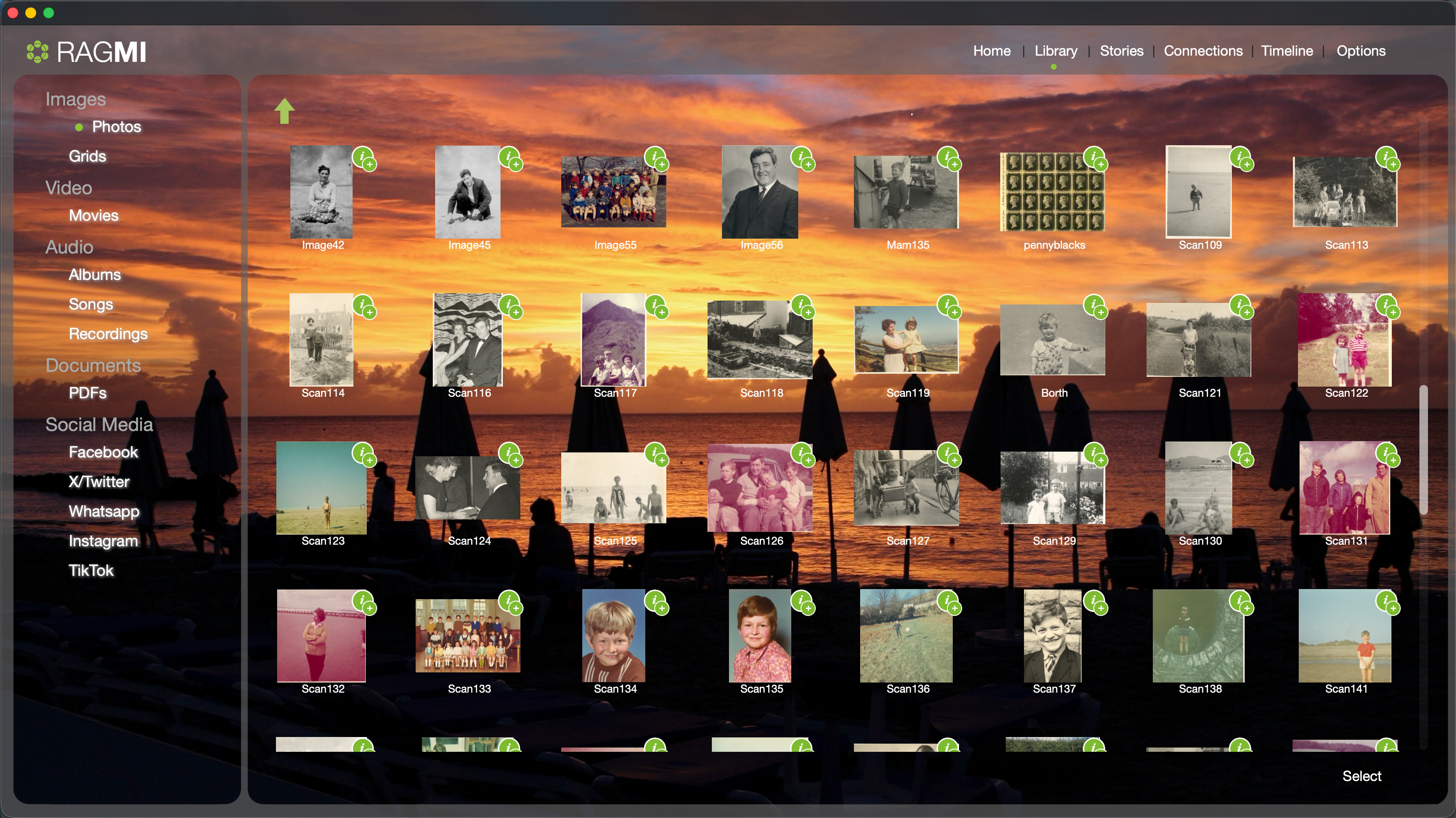
Everything imported into the folio — photos, scans, films, audio, documents, and social media archives — organised by type in the sidebar. Each item can be placed on the timeline, attached to a story, or linked to a connection. The raw material of a life, ready to be given meaning.

RAGMI Library view showing a grid of scanned family photos with a sidebar listing Images, Video, Audio, Documents, and Social Media categories including Facebook, X/Twitter, WhatsApp, Instagram, and TikTok
Library Media grid Photos · Video · Audio · Docs Facebook · WhatsApp · Instagram · TikTok
02

The story editor.

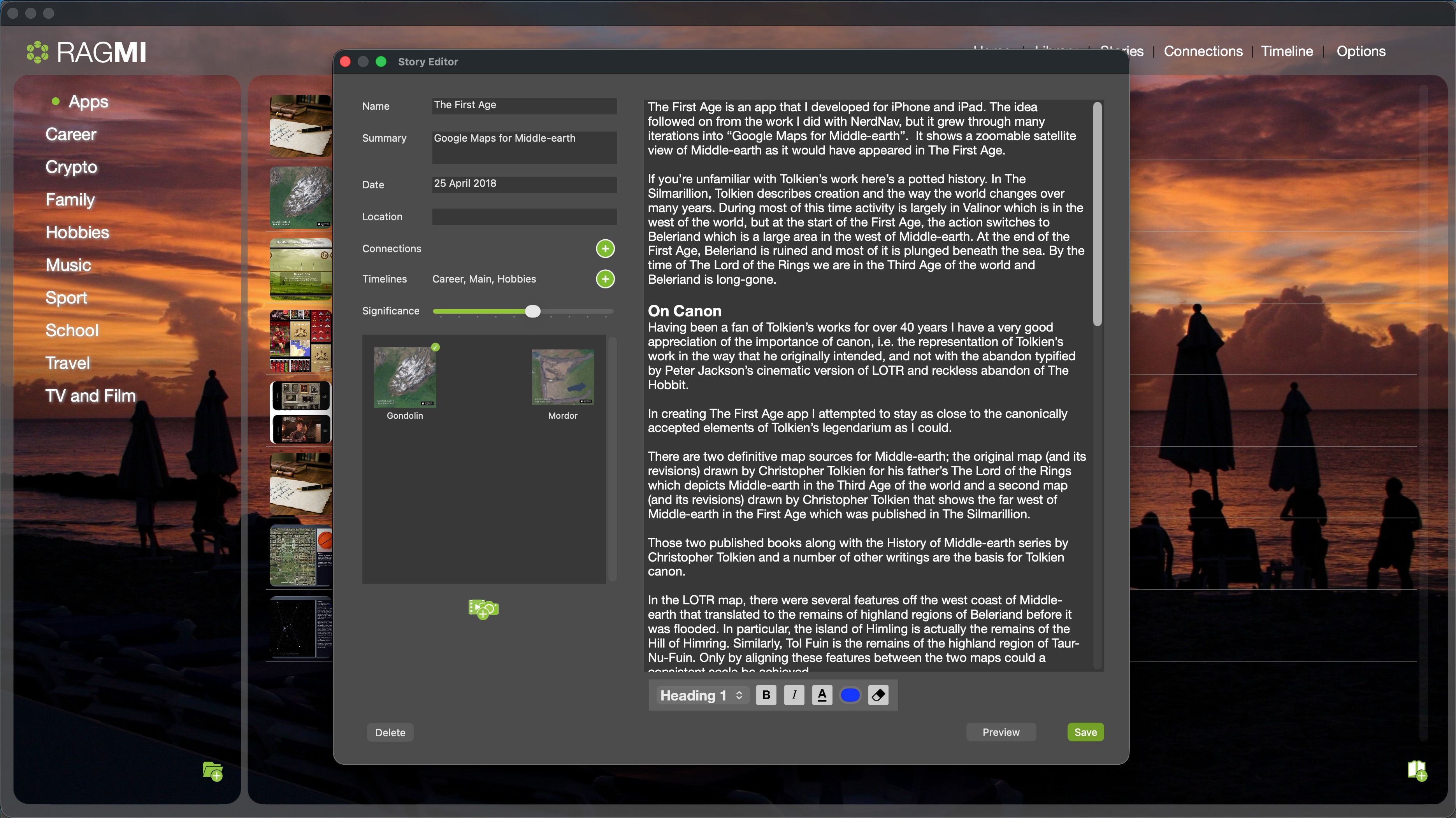
Writing a story in RAGMI. Left panel: metadata — name, summary, date, location, connections, timeline tracks, and the significance slider. Right panel: the narrative itself, with full rich-text editing. The significance weight determines how prominently this story surfaces when the folio is queried by an AI agent.

RAGMI Story Editor showing a two-panel interface with metadata fields and significance slider on the left, and a rich text narrative editor on the right displaying the First Age story
Story editor Significance weight Connection links · Timeline placement
03

The connections network.

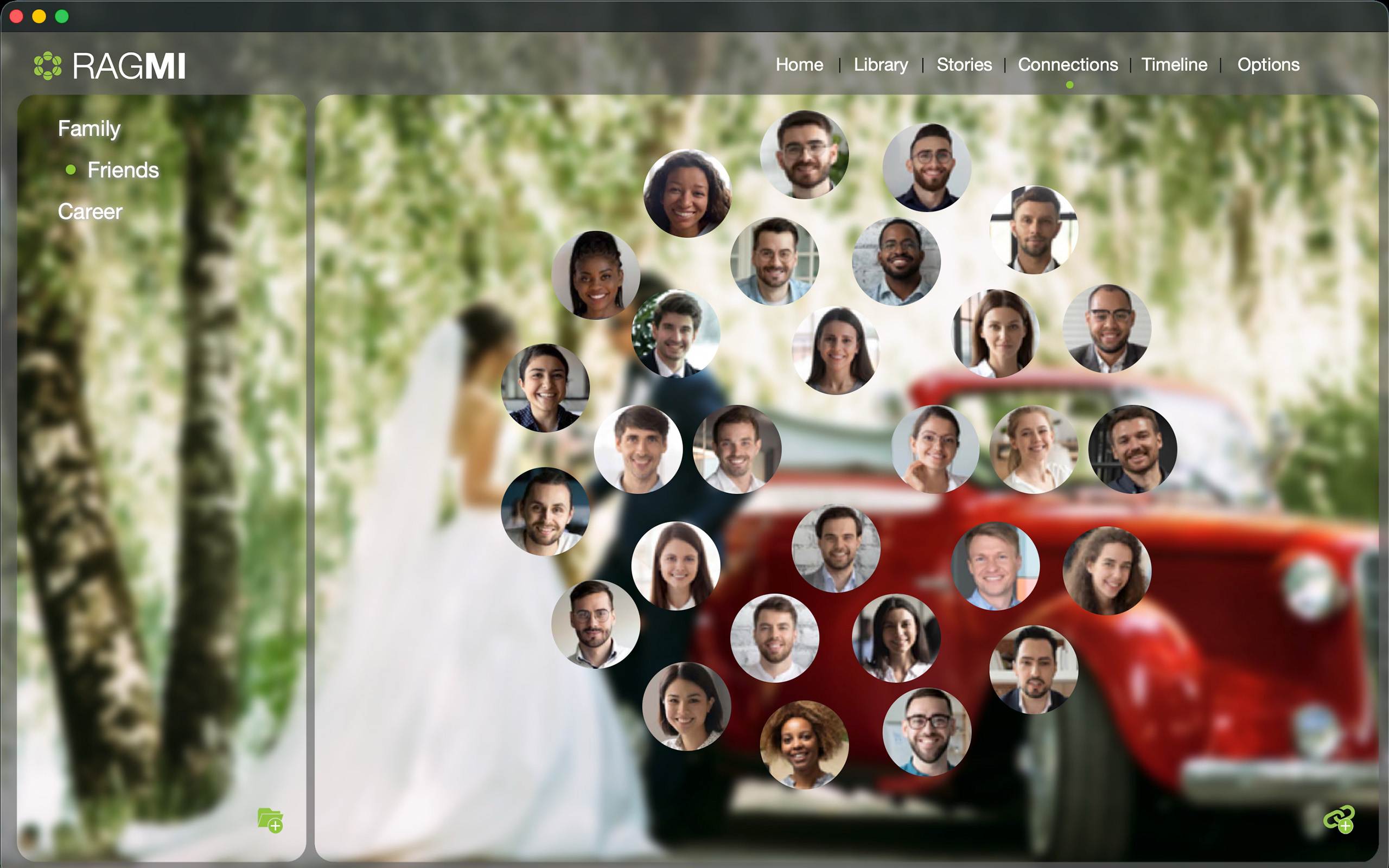
Every person who mattered — arranged across the canvas, grouped by relationship type: Family, Friends, Career. The proximity of their portrait reflects their significance. This is the map of a life as defined by the people in it. Click any face to open their profile and story.

RAGMI Connections view showing a network of circular portrait photos arranged over a soft blurred wedding background, Friends category selected
Connections Portrait network Family · Friends · Career
04

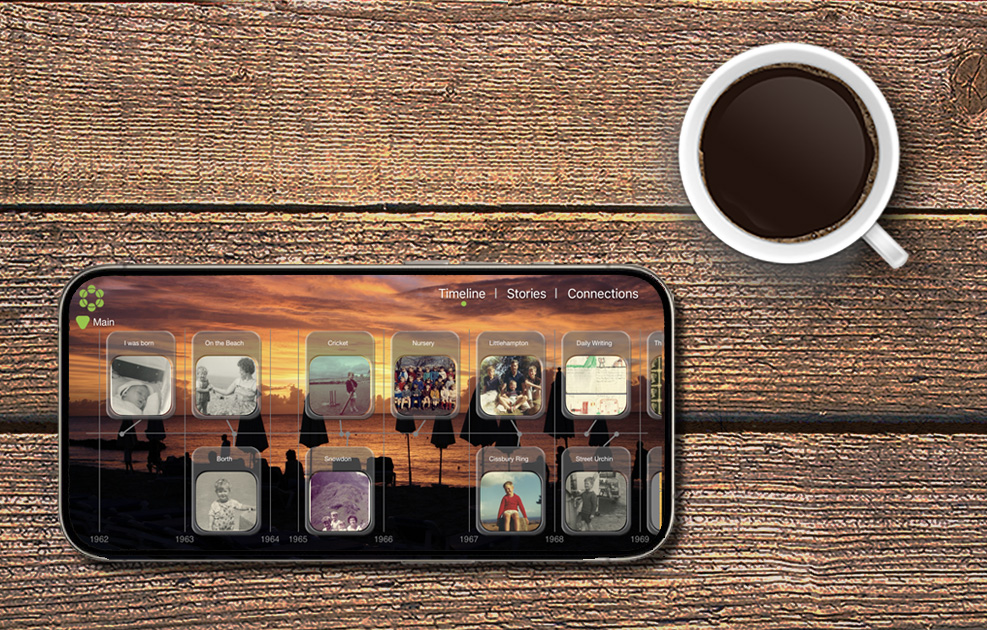
The main timeline.

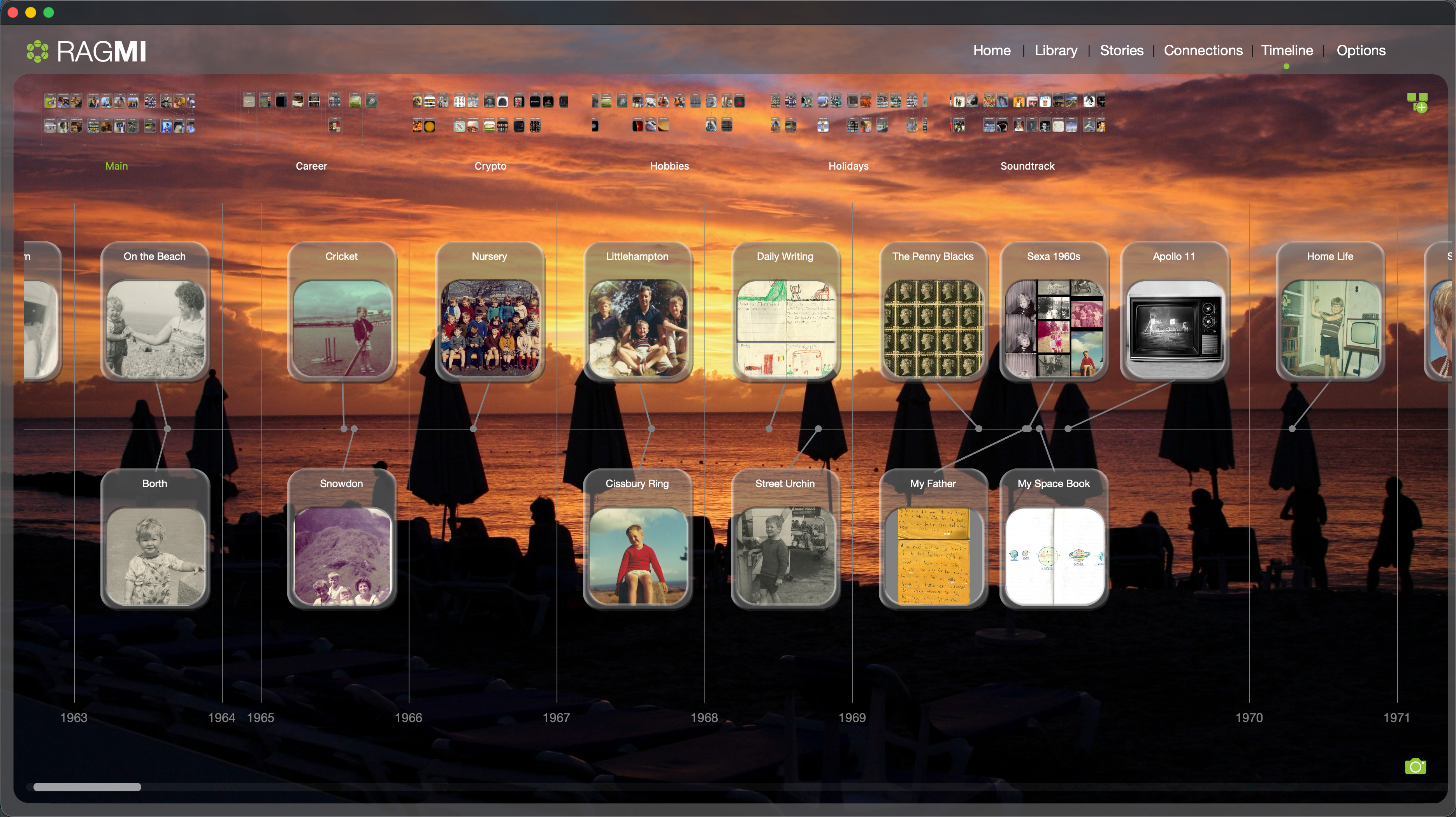
Your life plotted across parallel tracks — Main, Career, Hobbies, Holidays, Soundtrack or whatever you like - each running in its own lane. Events are represented by the media attached to them. The full arc of a life, laid out in a single scrollable view. This section of a folio spans the early 1960s.

RAGMI Main Timeline showing 1963 to 1971 with events across multiple tracks including childhood photos, nursery class, cricket, and daily writing
Timeline Multi-track Horizontal scroll · Event cards
05

A story, as it reads.

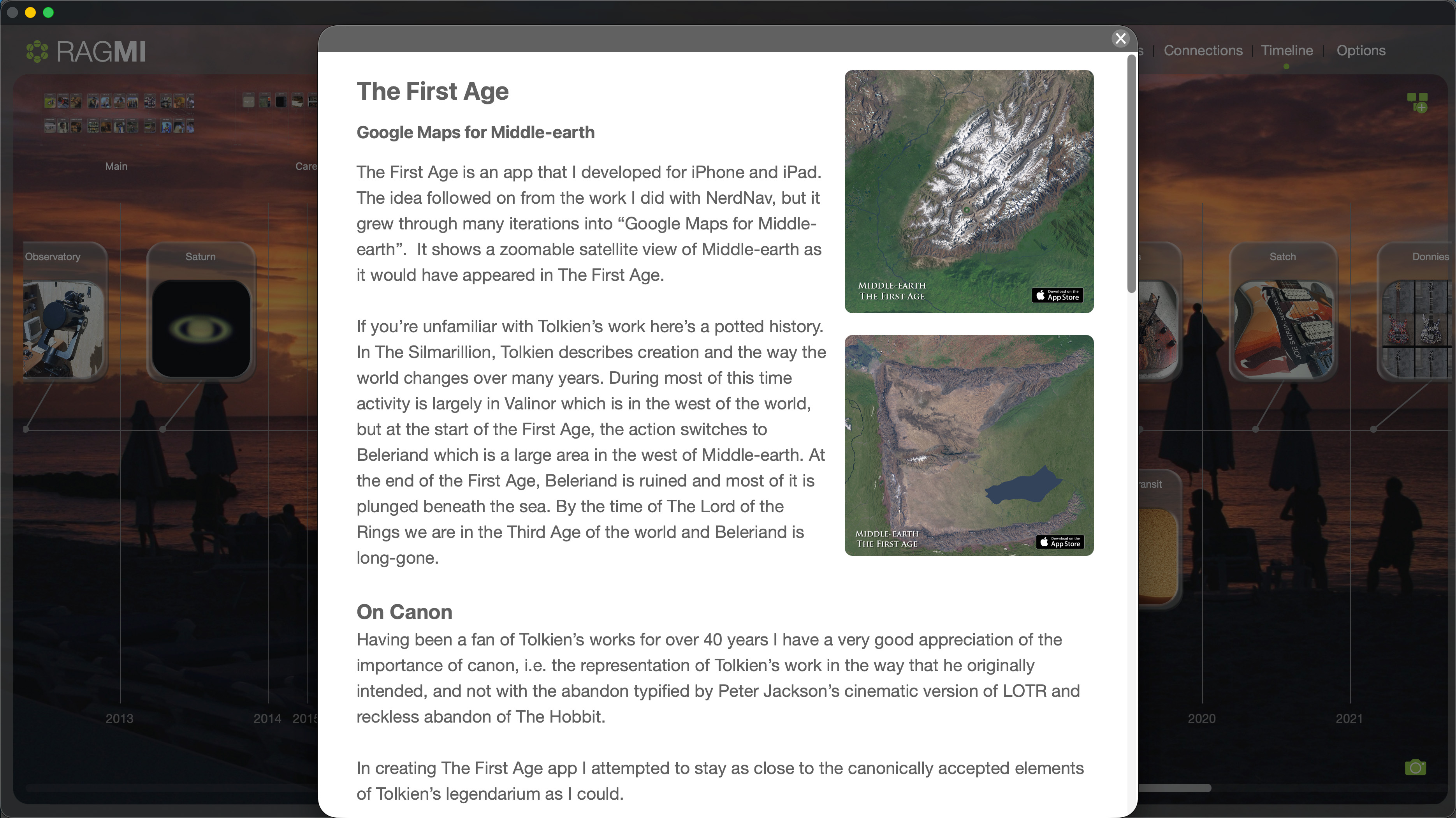
Each event on the timeline can carry a story — written in your own words, illustrated with the media attached to it. You can also record an audio commentary, so the person experiencing the folio hears you tell it in your own voice. Stories, commentary, and images combine into something that feels less like an archive and more like being in the room.

RAGMI Story preview showing The First Age with narrative text and two satellite map screenshots, displayed as a modal overlay on the timeline
Story preview Rich text Images inline · Timeline overlay
06

The connection editor.

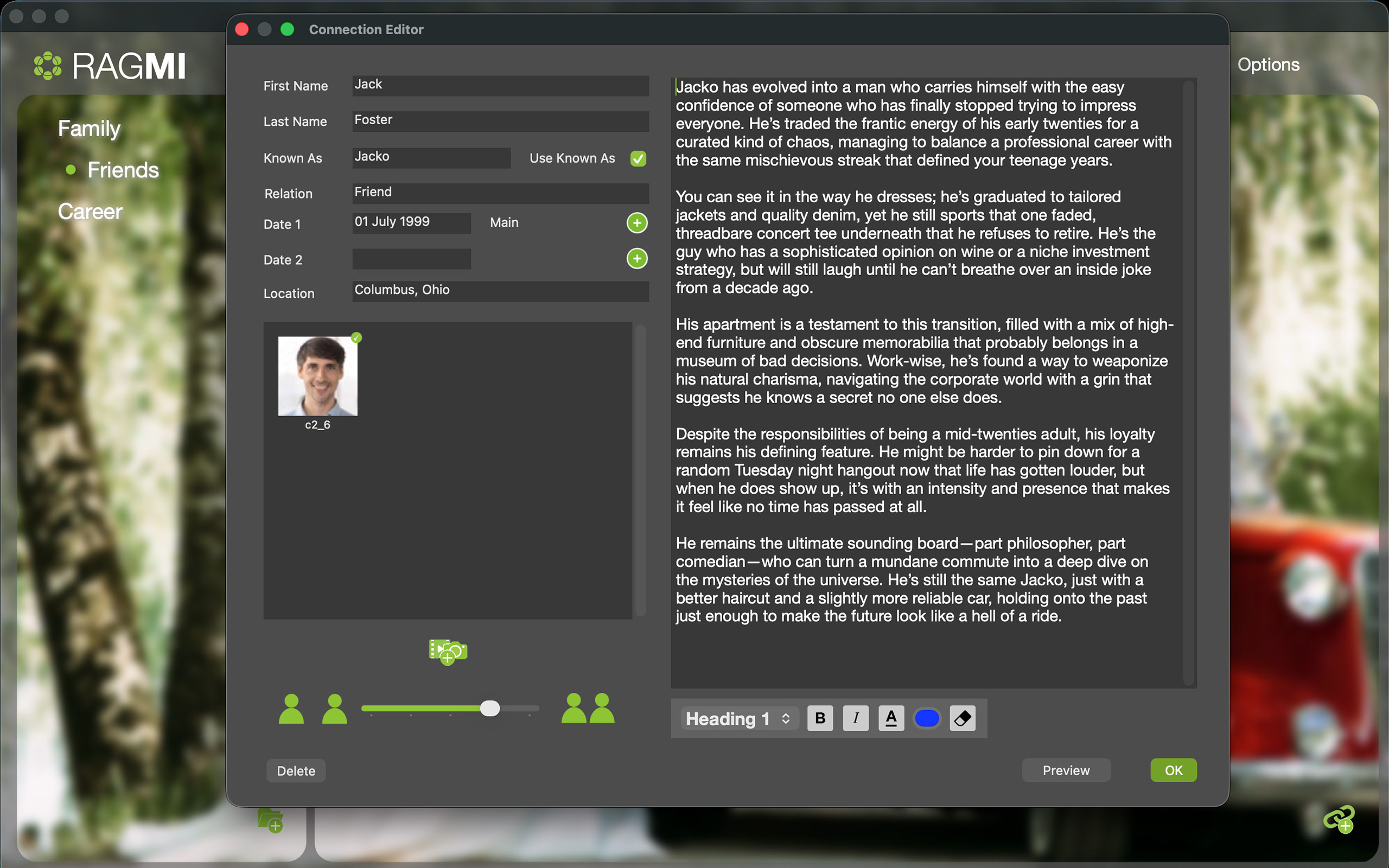
Every person in the folio has their own profile — name, relationship, dates, location, photo, and a freeform narrative description written in your voice. The significance slider at the bottom defines their weight in the folio. This is how RAGMI holds the texture of a relationship, not just its label.

RAGMI Connection Editor showing the profile for Jack Foster, known as Jacko, with photo, relationship fields, a detailed narrative description of the friendship, and a significance slider at the bottom
Connection editor Narrative profile Significance weight · Photo · Dates · Location
07

The soundtrack of your life.

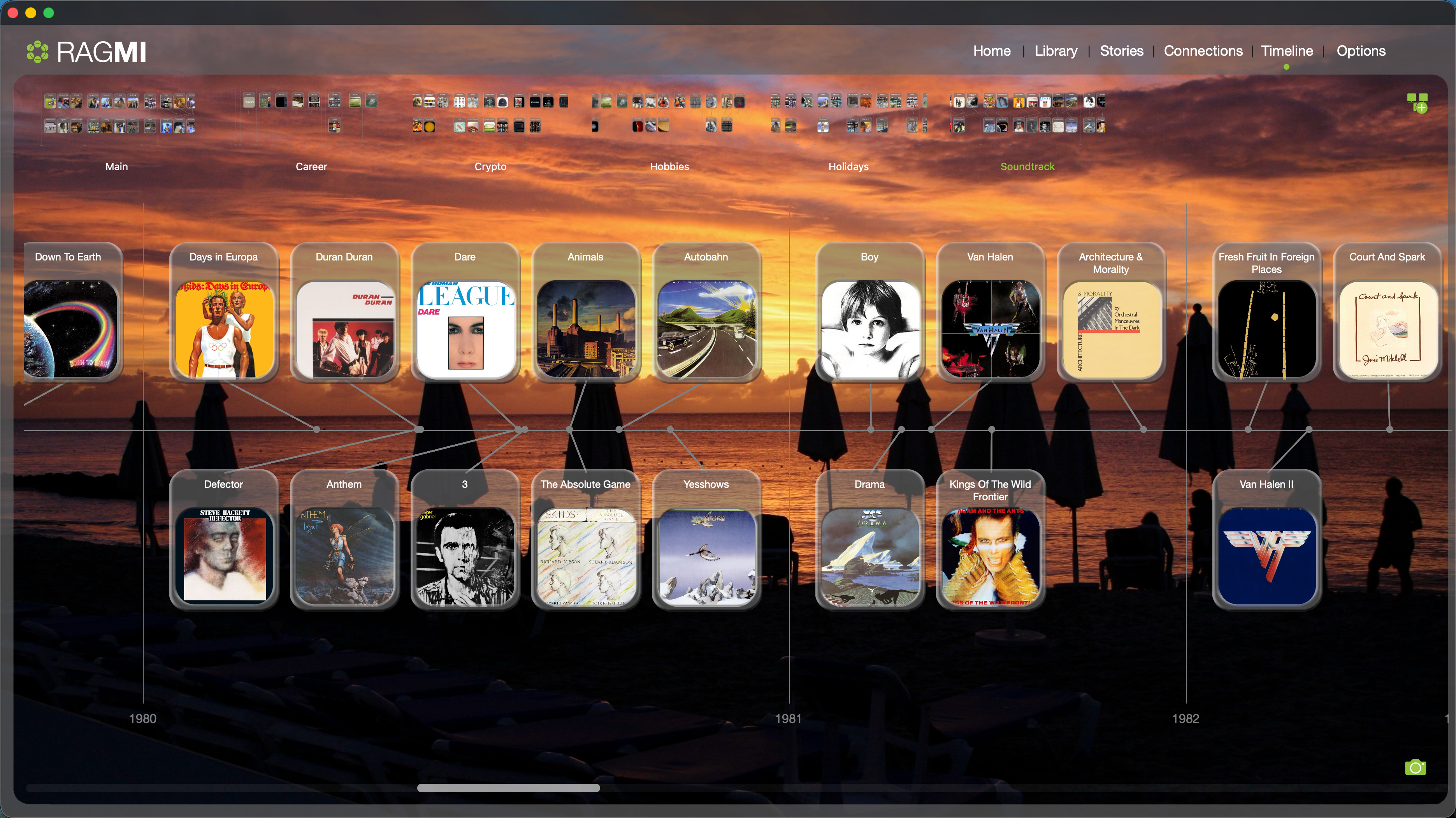
Every album that meant something — placed in the year it entered your life. This is an example of a timeline you can create. RAGMI supports full import of Songs and Albums. Forget streaming, this is your music on your device.

RAGMI Soundtrack track showing album covers from 1980 to 1982 including Days in Europa, Dare by Human League, Animals by Pink Floyd, Boy by U2, and more
Soundtrack Album timeline 1980–82 · Two-row layout
08

The album player.

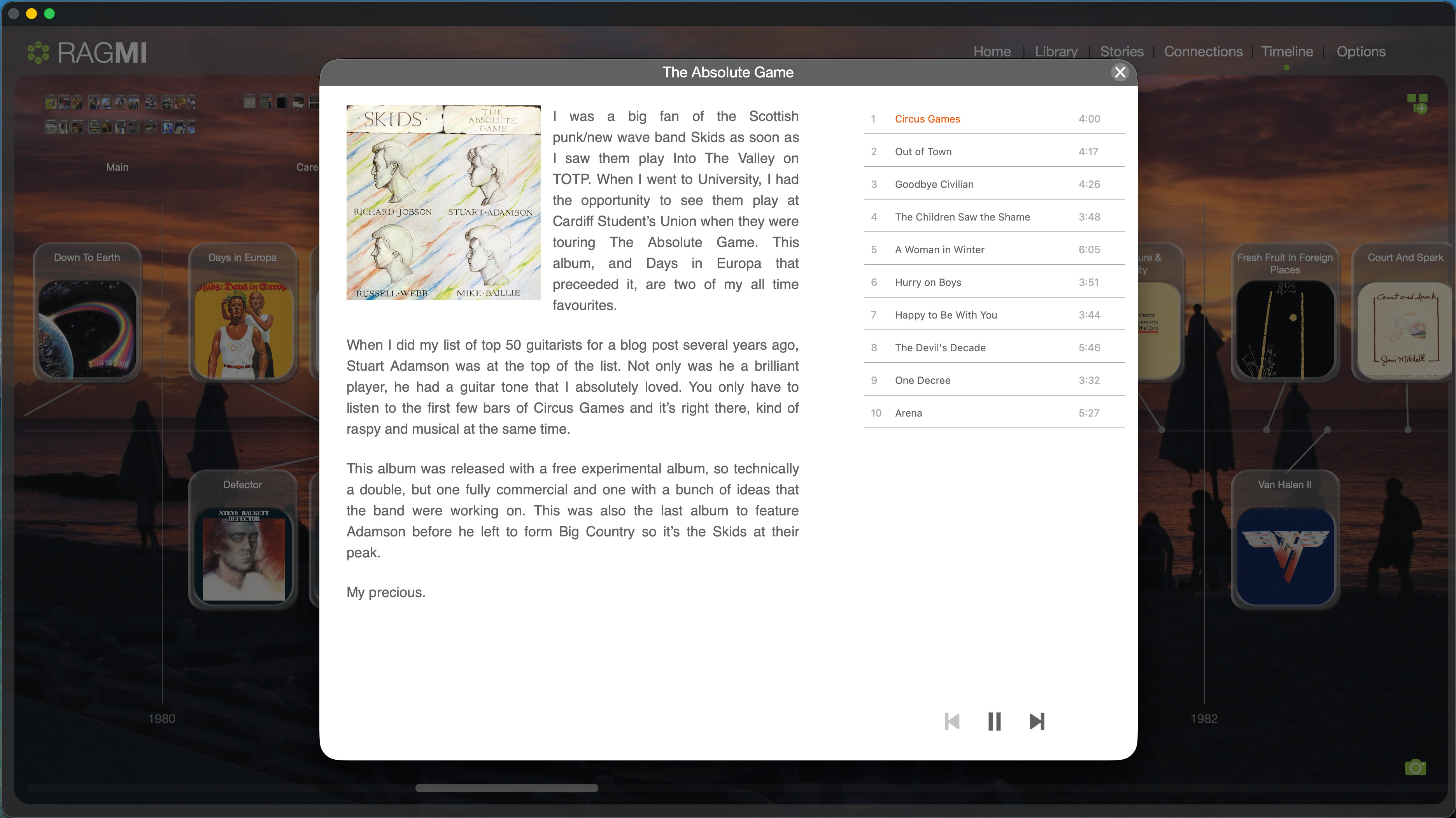
Click any album on the Soundtrack track and its player opens — cover art, track listing, and the story you've written about why it mattered. Record an audio commentary and the RAGMI Player will play it back, so your family hears you talking about the music that meant something to you, in your own words or your own voice.

RAGMI Album Player showing The Absolute Game by The Skids with cover art, full track listing, a personal story about the album including the line My precious, and playback controls
Album player Story attached Track listing · Soundtrack integration

Your folio is waiting
to be built.

Download RAGMI and start. The first tutorial will walk you through everything from scratch. Then publish it — and share it with your family via the free RAGMI Player for iOS.

Download for Mac Watch the tutorials →